EN
EN RU
RU

 Industry News
 How Should Global Buyers Evaluate Chinese Manufacturers?
2026-09-11
2026-09-09
2026-09-02
2026-08-28
2026-07-13
2026-04-29

 Current Affairs
I. Daily Cleaning and Maintenance
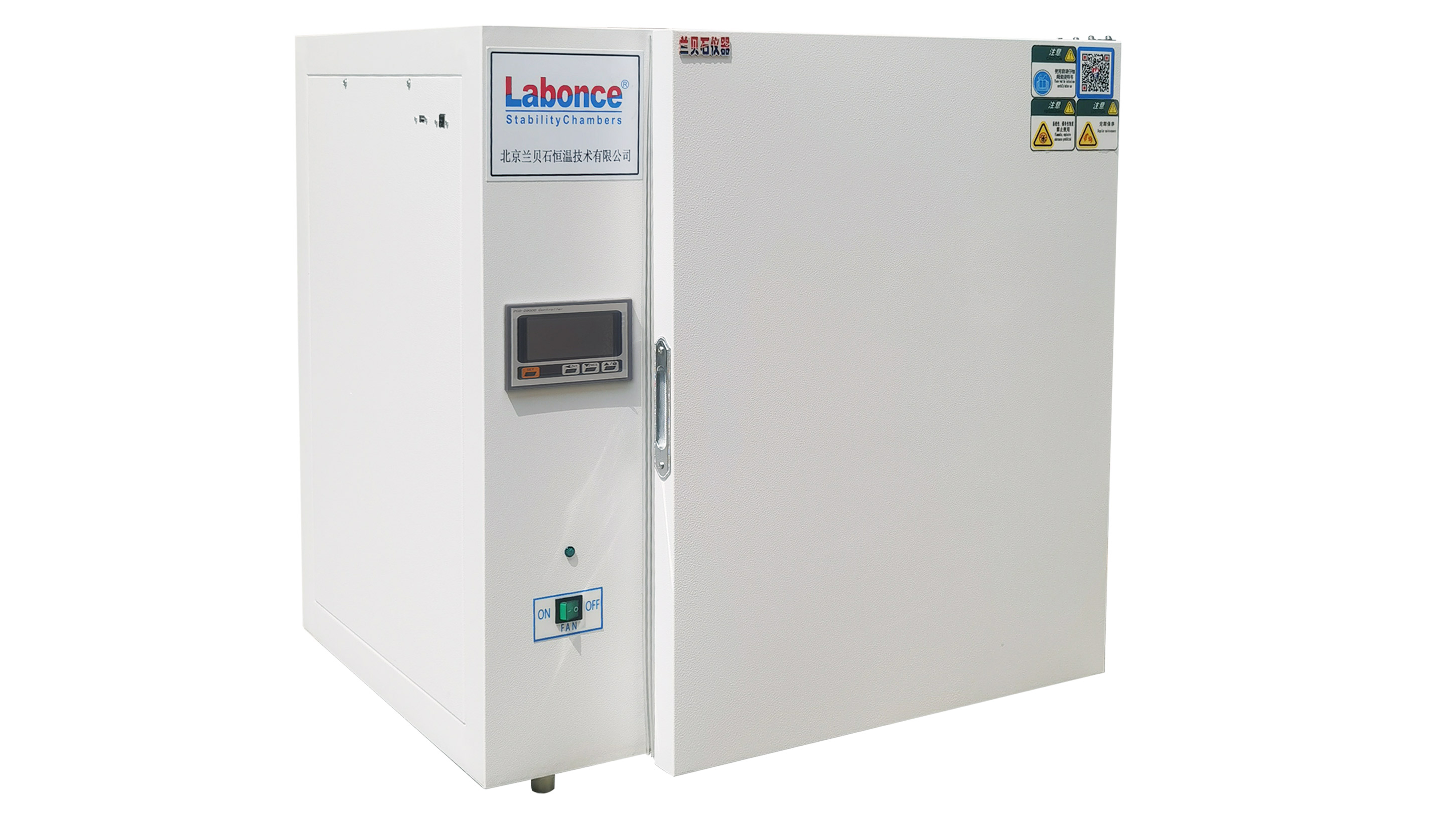
Daily cleaning is a fundamental step to ensure a clean operating environment for the constant temperature incubator and prevent contamination. After each use, promptly clean the interior of the incubator to remove residual sample debris, stains, and other impurities. Before cleaning, disconnect the power supply and wait for the equipment to cool down. Use mild cleaning agents and avoid corrosive substances that may damage the inner wall of the equipment. Meanwhile, wipe the door gasket to maintain its cleanliness and elasticity, ensuring a tight seal when the door is closed. For the external surface, wipe with a dry or damp cloth to remove dust and stains, keeping the equipment's appearance neat.
II. Regular Inspection and Maintenance
Regular inspections help detect potential issues with the equipment in a timely manner and ensure stable operation. Periodically check the door closure to confirm that the door gasket is free from aging or deformation. If a decrease in sealing performance is detected, take prompt action. Inspect the temperature control system to observe if the temperature display is stable and verify that the temperature control components are functioning properly. Check the ventilation system of the equipment, clear any debris at the air vents to ensure unobstructed ventilation, and avoid affecting the temperature uniformity inside the incubator. Additionally, inspect the electrical connections of the equipment to check for damaged or loose wires, ensuring electrical safety.
III. Maintenance Specifications During Use
Standardized operation during use is an important part of equipment maintenance. When placing samples, arrange them neatly to avoid blocking the air vents, ensuring air circulation inside the incubator and maintaining temperature uniformity. Do not place corrosive or volatile substances in the incubator to prevent damage to internal components and environmental contamination. During operation, minimize the number and duration of door openings to reduce temperature fluctuations inside the incubator and lower the equipment's operational load. If the equipment produces abnormal noises, excessive temperature fluctuations, or other malfunctions, immediately stop using it, disconnect the power supply, and conduct troubleshooting and repairs.
IV. Maintenance During Long-Term Storage and Idleness
When the equipment is not in use for an extended period, proper idle maintenance is required. Before storage, thoroughly clean the interior and exterior of the equipment to ensure no stains or debris remain. After cleaning, leave the door open for ventilation to dry the interior, preventing component corrosion or mold growth caused by a humid environment. Disconnect the power supply, organize the power cord to avoid tangling or pressure damage. Store the equipment in a dry, well-ventilated area away from direct sunlight and corrosive gases to prevent environmental damage. Periodically inspect the idle equipment to check for intact appearance and dry interior, ensuring the equipment can be put into normal use at any time.
V. Maintenance of Consumables and Wearable Parts
Targeted maintenance is required for the equipment's consumables and wearable parts. Based on usage conditions, regularly replace or clean the air filtration components to ensure filtration efficiency and prevent dust and impurities from entering the incubator. Monitor the condition of the door gasket and replace it promptly if aging, cracking, or other issues occur to maintain sealing performance. Conduct regular inspections of other wearable parts and repair or replace them in a timely manner if wear or performance degradation is detected, ensuring the overall operational effectiveness of the equipment.
Our hours


Public Account



 IPv6 network supported